
Istanbul is a city where East meets West, and every arrival — whether by air, sea, or land — is the start of an unforgettable journey. But navigating the arrival process at Istanbul’s airports, cruise ports, and bus terminals can be confusing for first-time visitors. This guide provides a clear, structured overview of everything you need to know about Istanbul arrivals, from landing to leaving the terminal.
Key Takeaways
- Istanbul has two main airports: Istanbul Airport (IST) on the European side and Sabiha Gökçen (SAW) on the Asian side.
- The standard arrival process involves passport control, baggage claim, and customs clearance.
- Knowing which airport you land at is critical for choosing the right transport into the city.
- For cruise passengers, the Istanbul Cruise Port offers a different arrival experience with its own procedures.
- Always have your visa and travel documents ready before landing to speed up the process.
The Complete Answer: What “Istanbul Arrivals” Means and How to Navigate Them
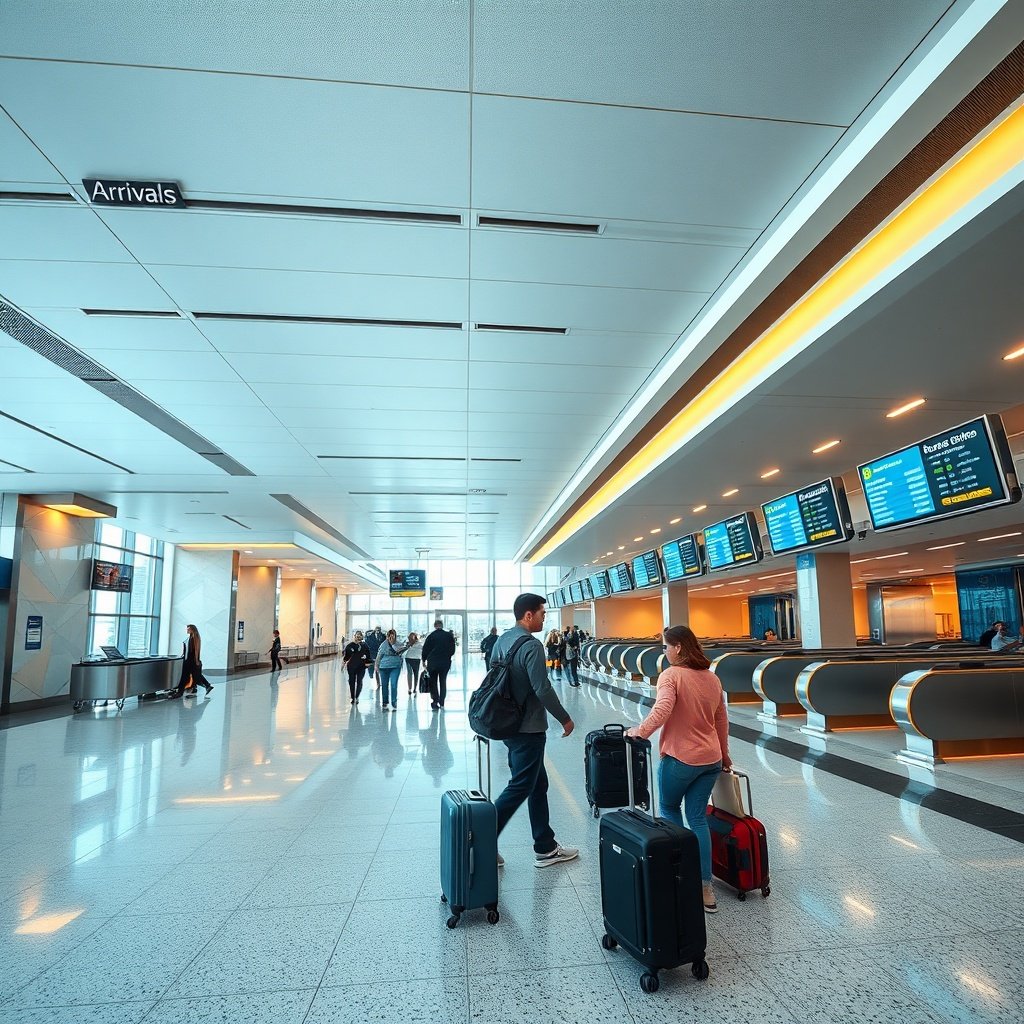
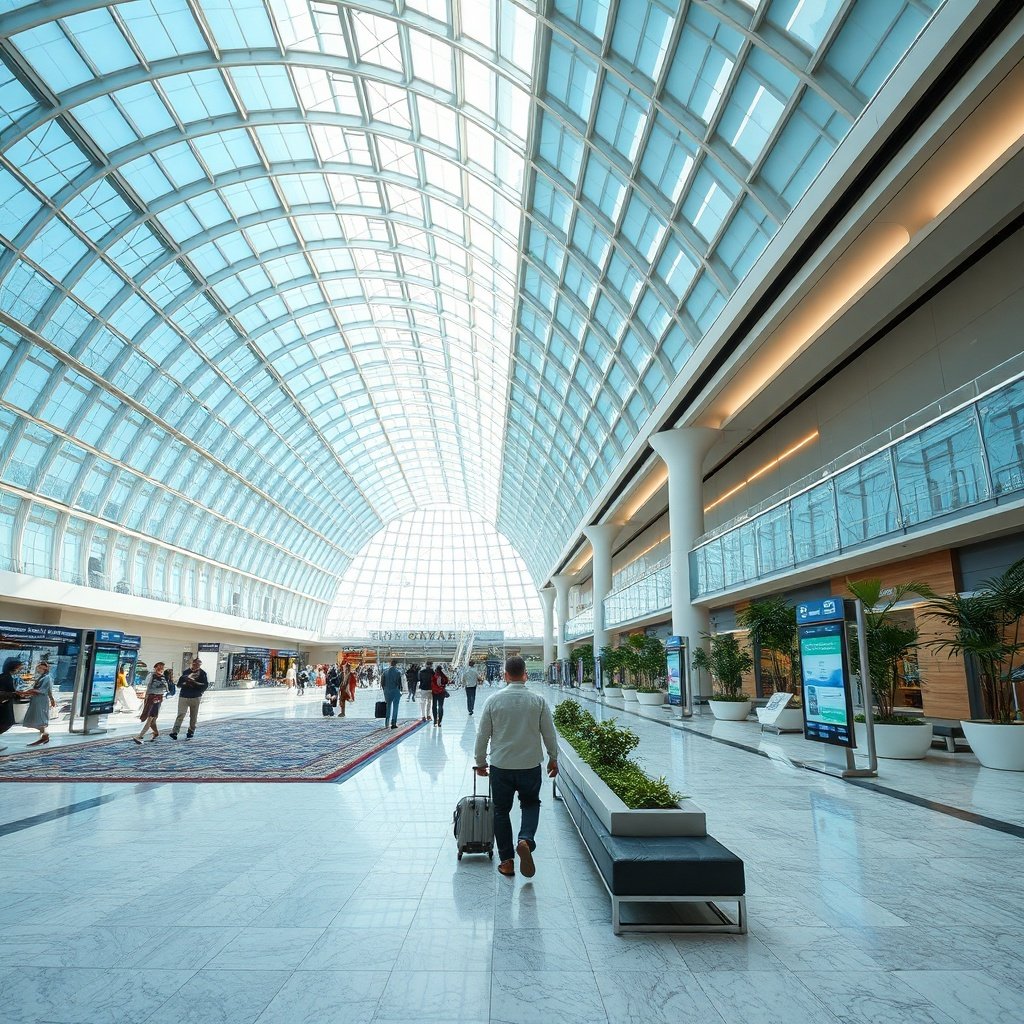
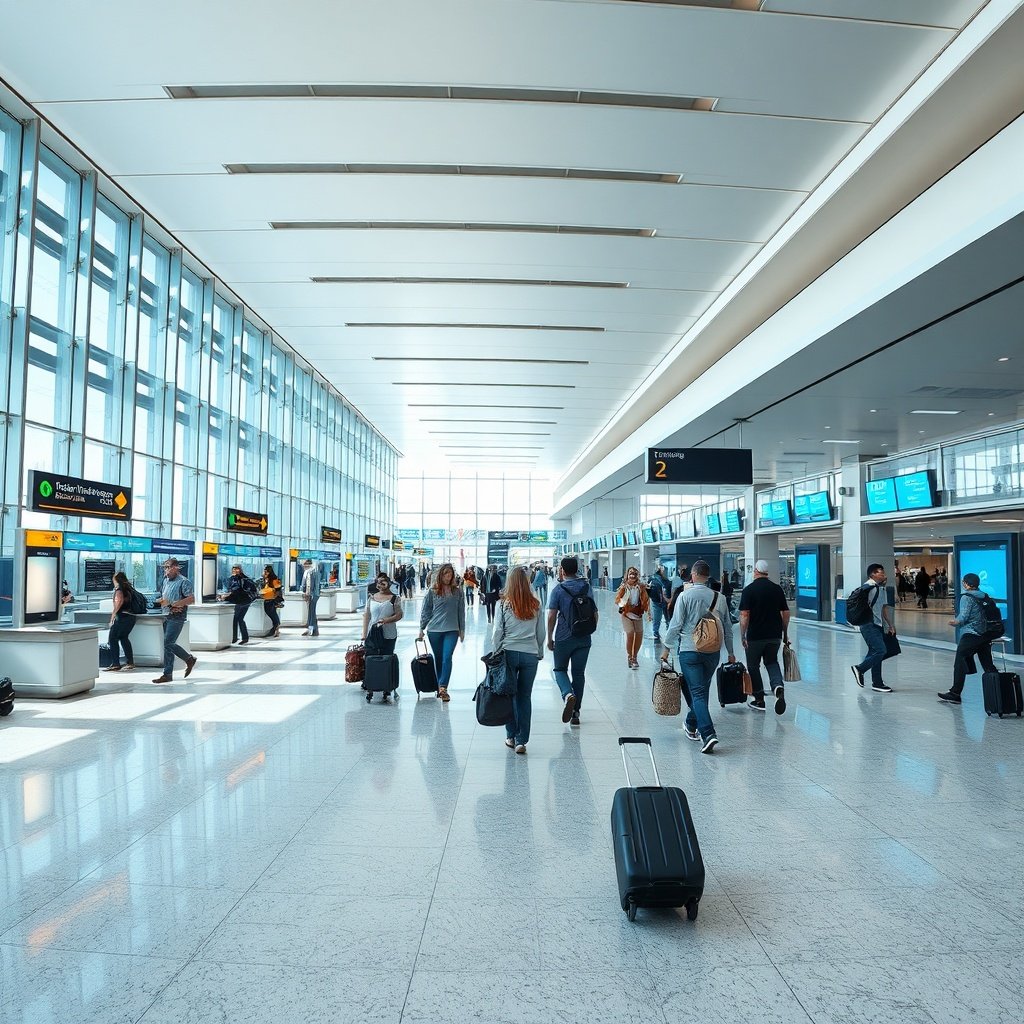
First-time travelers can confidently handle istanbul arrivals with intuitive terminal layouts and clearly marked processing zones.
Quick Answer: “Istanbul arrivals” refers to the process of entering the city through its airports, cruise ports, or bus and train terminals. The two main entry points are Istanbul Airport (IST) on the European side and Sabiha Gökçen Airport (SAW) on the Asian side, each with its own arrival procedures and transport connections.
Istanbul’s Two Major Airports: IST and SAW
Istanbul is served by two international airports that handle nearly all commercial air traffic. Planning your route involves understanding Getting from Istanbul Airport to Taksim: The Best transport options before landing is essential for a smooth start. Istanbul Airport (IST), located in the Arnavutköy district on the European side, opened in 2018 and has since become the city’s primary international gateway. It serves as the main hub for Turkish Airlines and handles the majority of long-haul flights. Sabiha Gökçen Airport (SAW), situated in the Pendik district on the Asian side, serves as the city’s secondary airport. It is the base for Pegasus Airlines and AnadoluJet, and it handles many short-haul and low-cost flights from across Europe and the Middle East. Knowing which airport you’re landing at matters more than you might think. The two airports are on opposite sides of the Bosphorus, and the journey to the city centre can take an hour or more depending on traffic. Your choice of airport will determine which transport options are available to you.
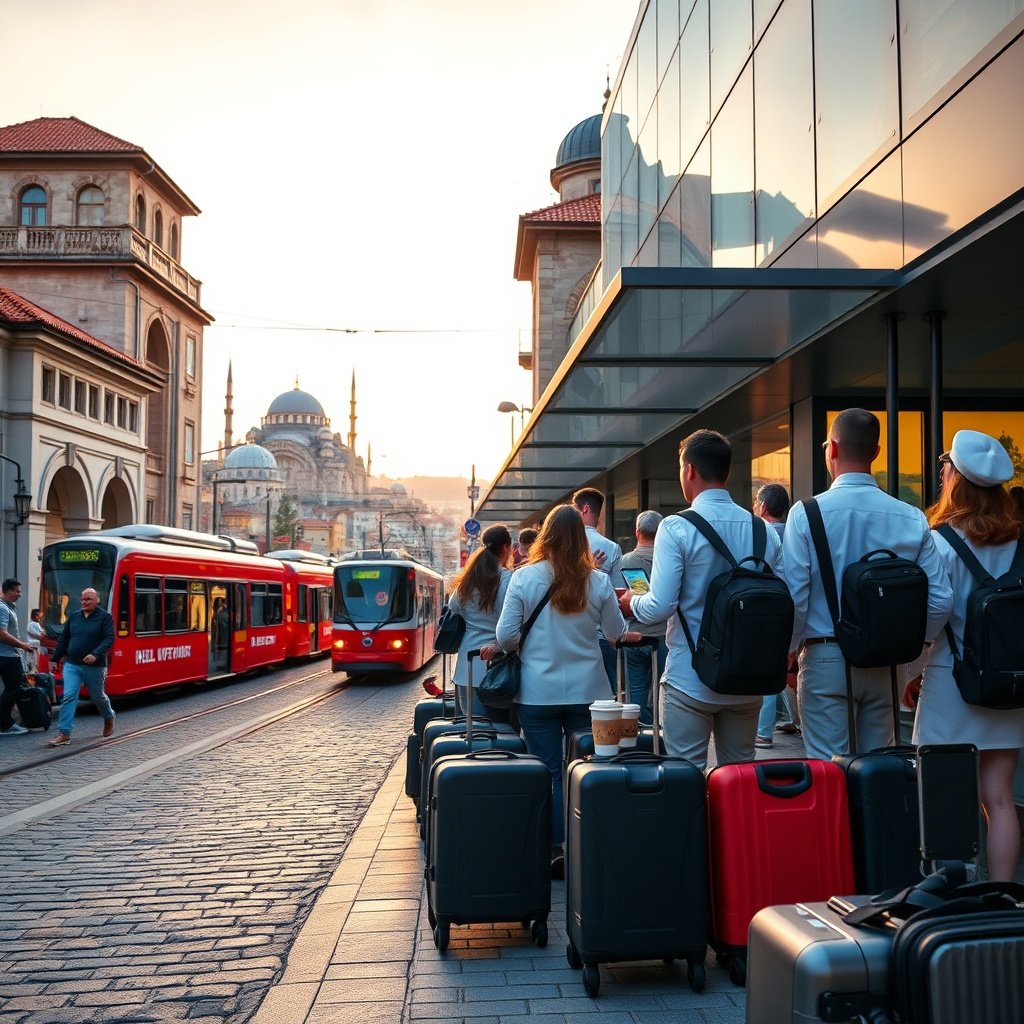
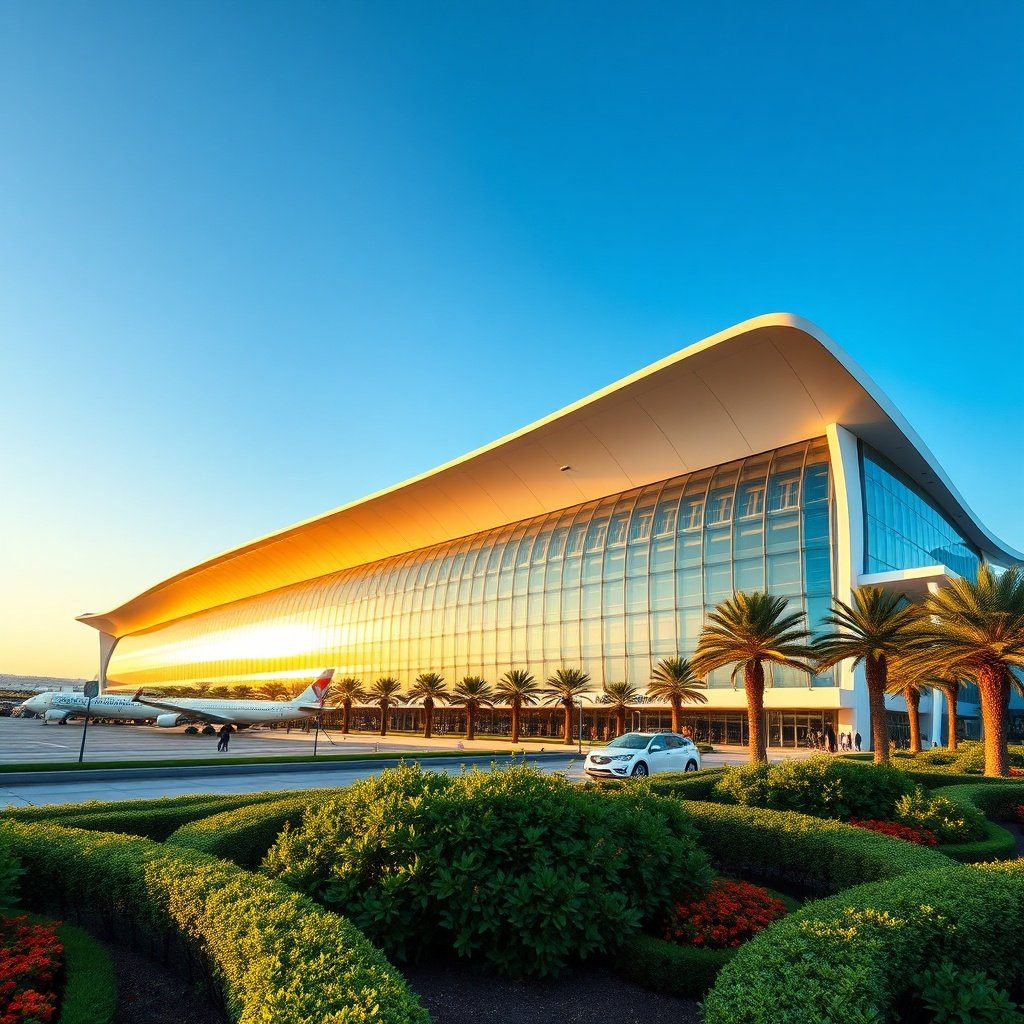
Efficient istanbul arrivals systems quickly guide visitors from major transit points to the heart of the city’s cultural landmarks.
The Arrival Process: Immigration, Customs, and Baggage
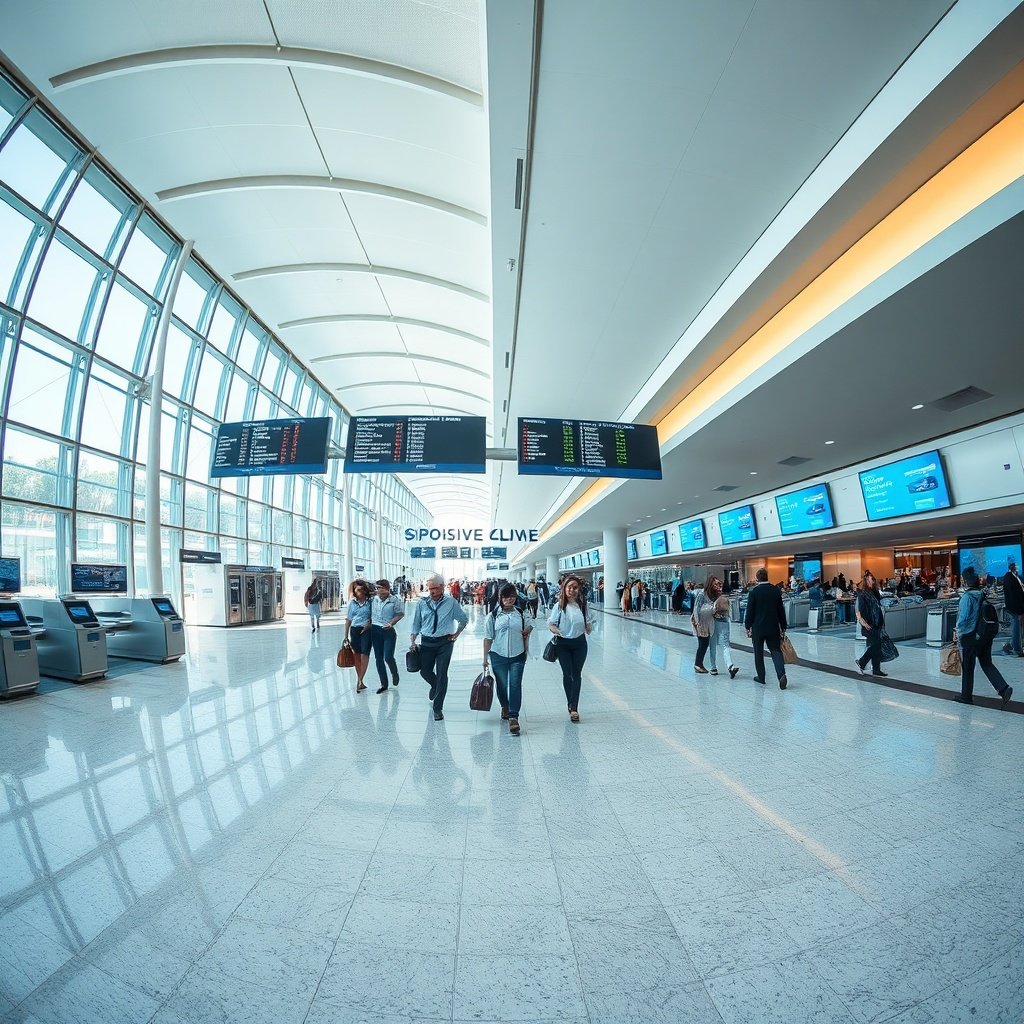
The arrival process at both IST and SAW follows the same general sequence. After you disembark, you’ll follow the “Arrivals” signs to the immigration hall, where border control officers check your passport and visa. This is the point where Turkey visa requirements on arrival come into play — make sure your documents are valid and ready before you reach the counter. Once you’ve cleared passport control, you’ll head to the baggage claim area Istanbul airports provide, where you’ll collect your checked luggage from the carousel. Finally, you’ll pass through customs, where Turkish customs regulations require you to declare certain goods. Most travellers pass through the green channel if they have nothing to declare, but be prepared to show your luggage if asked.
Definition: The IST airport immigration process is the border control procedure at Istanbul Airport where officers verify your passport, visa, and travel documents before granting you entry into Turkey.
Arrival vs. Transfer vs. Layover: Key Differences
It’s important to understand the difference between arriving in Istanbul, transferring through it, and having a layover. Travelers frequently search for How to Get from Istanbul Airport to City Center: Best Transp solutions to avoid delays after clearing customs. When you arrive, you complete full immigration, collect your bags, and exit the airport. When you transfer, you stay in the transit area and don’t clear immigration — your bags are typically checked through to your final destination. A layover is simply a longer wait between flights, and whether you need to clear immigration depends on whether you plan to leave the airport. For transfers, Turkish Airlines and other carriers have specific procedures and lounges for transit passengers. If you have a layover long enough to explore the city, you’ll need to clear immigration, collect your bags, and re-check them on your next flight — so make sure you have enough time.
Step-by-Step: Your First Hour After Landing in Istanbul
Quick Answer: After landing in Istanbul, expect to spend 20-40 minutes at IST or SAW going through passport control, collecting your baggage, and clearing customs. Having your documents ready before you land significantly speeds up the process.
Before You Land: Preparing Your Documents
The most important thing you can do before your flight lands is to have your documents ready. This means your passport (with at least six months validity, which is the passport validity for Turkey requirement), your visa or e-visa if required, and any proof of onward travel. Keep these in an easily accessible place so you don’t have to dig through your bag at the immigration counter. If you’re eligible for a Turkey e-visa, it’s best to apply online before your trip. You’ll receive a PDF that you should print or save on your phone. The border control procedures Turkey uses are strict, so any mismatch in your documents can cause delays.
The Arrival Sequence: From Gate to Exit
Once you’re off the plane, here’s what to expect:
- Follow the “Arrivals” signs to the immigration hall. The signs are in English, Turkish, and other languages.
- Complete passport control — have your passport and visa ready, and be prepared to answer basic questions about your stay.
- Collect your checked luggage from the baggage carousel assigned to your flight. Check the screens to find your carousel number.
- Pass through customs — use the green channel if you have nothing to declare, or the red channel if you’re carrying goods that need to be declared.
- Exit into the arrivals hall — this is where you’ll find your transport options, including buses, taxis, and private transfer meeting points.
Common Pitfalls and How to Avoid Them
A few common mistakes can slow down your Istanbul Airport arrival. First, don’t wait until you’re at the immigration counter to look for your visa — have it ready before you land. Second, don’t take the first taxi you see without checking that it’s official; look for the yellow taxis with proper signage. Third, don’t ignore the baggage claim screens — flights from different destinations can share carousels, and your bags may arrive on a different carousel than expected. Another common issue is underestimating the time it takes to get from the airport to the city. Traffic in Istanbul can be heavy, especially during rush hours, so factor in extra time if you have a connecting flight or an appointment.
Istanbul Arrivals by Air: Comparing IST and SAW
Istanbul Airport (IST) – The Main International Hub
Istanbul Airport is the city’s primary international gateway and one of the busiest airports in the world. It’s located about 40 km from Taksim Square, and the journey by taxi typically takes 45 to 60 minutes depending on traffic. The airport has a modern, spacious design with excellent facilities, including lounges, duty-free shops, and restaurants. For transport, the Havaist bus schedule arrivals and departures connect IST to various points across the city, including Taksim, Kadıköy, and the main bus terminal. The M11 metro line also connects the airport to Gayrettepe, where you can transfer to other metro lines. Taxis are available outside the arrivals hall, and private transfer services operate from designated meeting points.
Sabiha Gökçen Airport (SAW) – The Alternative on the Asian Side
Gokcen (SAW), situated in the Pendik district on the Asian side, serves as the city’s secondary airport. It’s the base for Pegasus Airlines and serves many low-cost and short-haul flights. The SAW airport arrivals terminal is smaller than IST but still well-equipped with shops, restaurants, and lounges. For transport, the Havabus service runs from SAW to Taksim and Kadıköy, while the M4 metro line connects the airport to Kadıköy. Taxis are available at the designated taxi rank, and taxi fares from Istanbul Airport are metered — but make sure you’re getting into an official taxi.
Comparison Table: IST vs. SAW at a Glance
| Feature | Istanbul Airport (IST) | Sabiha Gökçen (SAW) |
|---|---|---|
| Location | European side | Asian side |
| Airport code | IST | SAW |
| Distance to city centre | Approximately 40 km from Taksim | Approximately 45 km from Taksim |
| Main airlines | Turkish Airlines | Pegasus Airlines, AnadoluJet |
| Transport options | Havaist buses, M11 metro, taxis, private transfers | Havabus, M4 metro, taxis, private transfers |
Beyond the Airport: Cruise Ship Arrivals and Other Entry Points
Istanbul Cruise Port: Arriving by Sea
Istanbul is a popular port of call for Mediterranean and Black Sea cruises. The Istanbul Cruise Port, located at Galataport in the Karaköy district, is the city’s main cruise terminal. It sits right on the Bosphorus, within walking distance of many historic attractions like the Galata Tower and the Topkapi Palace. When you arrive by cruise, you’ll disembark at the port terminal and go through passport control before entering the city. The process is generally quicker than at the airports, but you’ll still need your passport and any required visa documents. From the port, you can easily reach Taksim Square and Sultanahmet by taxi or public transport.
Intercity Bus and Train Terminals: Land Arrivals
If you’re arriving by bus or train, you’ll land at one of Istanbul’s land terminals. The main intercity bus terminal, Esenler Otogar, is on the European side and serves buses from across Turkey and Europe. A newer terminal at Alibeyköy has also been developed to handle some routes. On the Asian side, Harem Otogar serves buses from Anatolian cities. For trains, the high-speed YHT service from Ankara arrives at stations including Söğütlüçeşme on the Asian side, while the historical Sirkeci station on the European side serves some regional routes. Each terminal has its own transport connections, including metro lines, buses, and taxis.
How to Get from Any Arrival Point to Your Hotel
No matter where you arrive in Istanbul, the key is to plan your onward transport in advance. For airports, you can book a private transfer or use the public bus and metro services. For the cruise port, taxis and public transport are available right outside the terminal. For bus and train stations, each has its own network of buses and metro connections. If you’re staying in a hotel, ask if they offer airport transfer services — many hotels in Istanbul do, and this can be the most hassle-free option. Alternatively, you can use ride-hailing apps, but be aware that not all international apps work in Turkey.
Practical Tips for a Smooth Istanbul Arrival
Getting Currency, SIM Cards, and Transportation
After you exit customs, you’ll find ATMs and currency exchange offices in the arrivals halls at both IST and SAW. It’s a good idea to withdraw some Turkish Lira for small purchases, though most places accept credit cards. For SIM cards, you’ll need your passport to register a Turkish SIM card, and you can buy one at the airport or at a mobile operator’s store in the city. For transportation, the Istanbulkart is a rechargeable smart card that works on buses, metro, trams, and ferries. You can buy one at the airport or at any metro station. If you’re using a taxi, make sure it’s an official yellow taxi with a meter — unofficial taxis are a common scam at arrival points.
Avoiding Scams and Tourist Traps at Arrival Points
Airports and transport hubs in any major city attract scammers, whether you’re navigating arrivals in Turkey or preparing for trips in Morocco, so vigilance is key. The most common scams at Istanbul arrivals include unofficial taxi drivers offering “special rates,” people offering to help with luggage for a fee, and individuals claiming your hotel is closed or has moved. Be wary of anyone who approaches you unsolicited — official airport staff and transport operators are clearly identifiable. If you’re using a taxi, always use the official taxi rank and insist on the meter. For buses and metro, use the official ticket machines or Istanbulkart. Never give your passport or valuables to anyone who isn’t an official.
What to Do If You Miss a Connection or Need Help
If you miss a connecting flight or have a problem at the airport, head to your airline’s transfer desk in the arrivals or transit area. Airlines are generally able to rebook you on the next available flight, though you may have to pay a fee depending on your ticket type. If you need help with lost luggage, visit the baggage claim area Istanbul airports have dedicated desks for this. For general assistance, both IST and SAW have information desks in the arrivals halls. You can also contact your hotel or travel insurance provider if you need help with accommodation or onward travel.
Frequently Asked Questions About Istanbul Arrivals
How long does it take to get through immigration at Istanbul Airport?
The time it takes to clear immigration at Istanbul Airport can vary. On a typical day, expect to spend 15 to 30 minutes in the passport control queue. During peak hours, it can take longer. Having your documents ready and arriving during off-peak times can help speed things up.
Do I need a visa for Turkey if I’m arriving in Istanbul?
Whether you need a visa depends on your nationality. Many countries are visa-exempt for short stays, while others need to apply for an e-visa online before arrival. Some nationalities must obtain a sticker visa from a Turkish embassy. Check the official Turkish e-visa website to see if you’re eligible and to apply before your trip.
Which airport is closer to Taksim Square?
Istanbul Airport (IST) is slightly closer to Taksim Square than Sabiha Gökçen (SAW). IST is approximately 40 km from Taksim, while SAW is about 45 km. However, the actual travel time depends heavily on traffic conditions and the route you take.
Are there ATMs and currency exchange at the arrivals hall?
Yes, both Istanbul Airport and Sabiha Gökçen Airport have ATMs and currency exchange offices in their arrivals halls. You can withdraw Turkish Lira using your bank card, though you may be charged international transaction fees. Currency exchange offices are also available if you have foreign currency to convert.
What is the best way to get from Istanbul Airport to the city centre?
The best way depends on your budget and destination. The Havaist bus is the most affordable public option, with routes to Taksim, Kadıköy, and other parts of the city. The M11 metro line connects to Gayrettepe, where you can transfer to other metro lines. Taxis are faster but more expensive, and private transfers offer the most convenience. Related reading: [Getting from Istanbul Airport to Taksim: The Best Trans](https://airport-istanbul.com/getting-from-istanbul-airport-to-taksim-the-best-transport-options-in-2026/) · [How to Get from Istanbul Airport to City Center: Best T](https://airport-istanbul.com/how-to-get-from-istanbul-airport-to-city-center-best-transport-options-2026/) · [The Fastest Istanbul Airport Transfer to Sabiha Gokcen](https://airport-istanbul.com/the-fastest-istanbul-airport-transfer-to-sabiha-gokcen-saw/)
Conclusion
Navigating Istanbul arrivals doesn’t have to be stressful. Knowing your arrival point — whether it’s Istanbul Airport (IST) on the European side or Sabiha Gökçen (SAW) on the Asian side — is the first step. From there, prepare your documents before landing, follow the arrival sequence carefully, and plan your onward transport in advance. For cruise passengers and land arrivals, the same principles apply: have your documents ready, know your terminal’s transport options, and be cautious of scams at arrival points. With a little preparation, your first hour in Istanbul will be smooth and straightforward, leaving you free to enjoy everything this incredible city has to offer.